
Benefits of charging with TOKA
-
Fast stations
TOKA is the leader in the number of fast charging stations 80+ kW
-
Charging in 2 clicks
You choose a connector in the app and pay immediately. No queues or unnecessary actions
-
Live call center 24/7
Non-stop support. Real operators are always on call – no bots
-
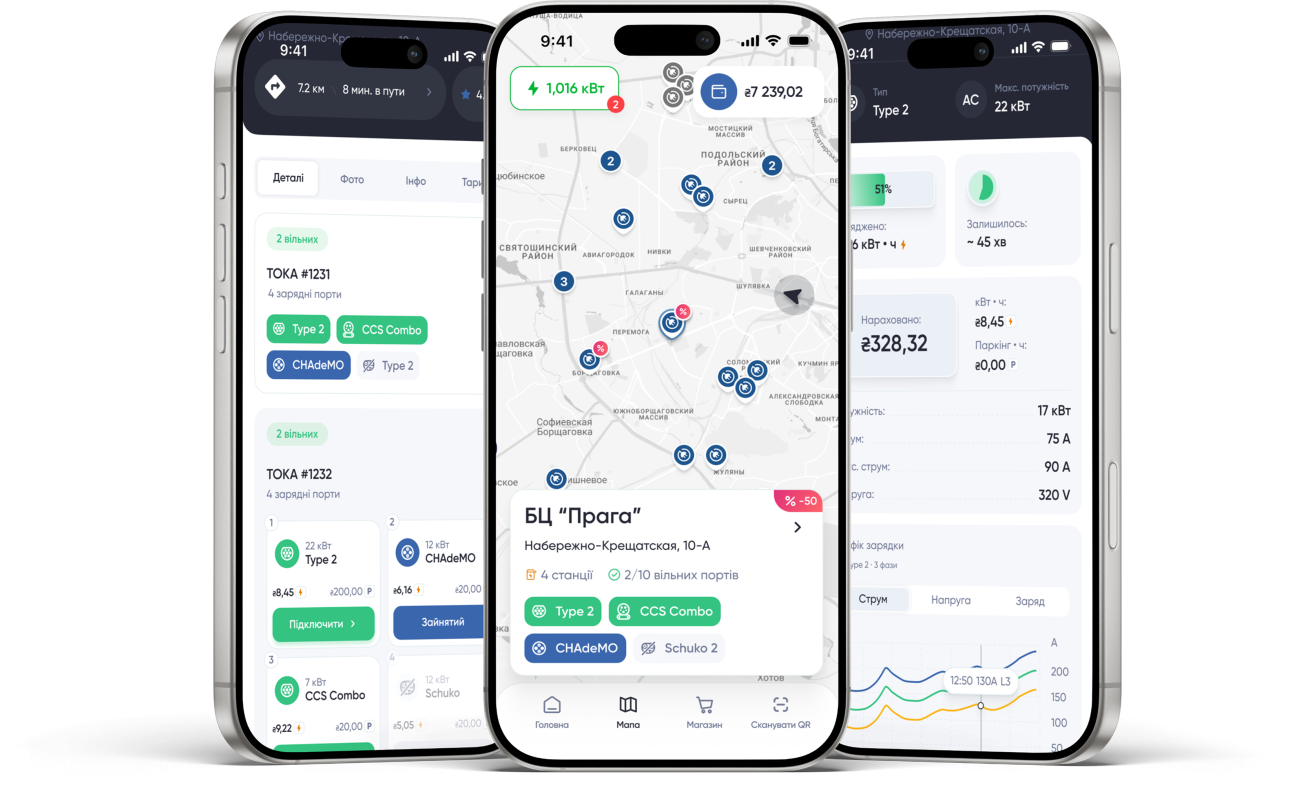
Convenient application
Quick registration, clear interface, easy search for stations by filters and saving favorite locations
-
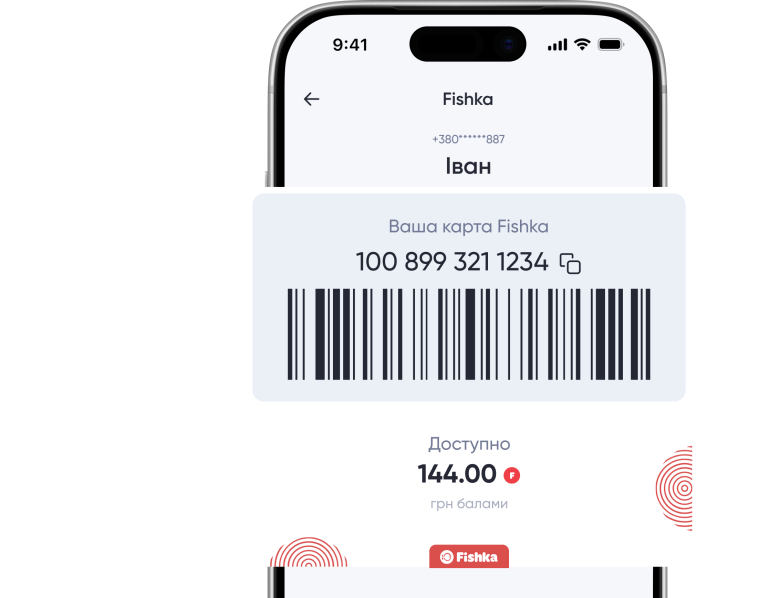
Fishka bonuses
TOKA is the only charging network with integration into the largest loyalty program in Ukraine
-
European service
High standards of service, convenience and speed at every stage
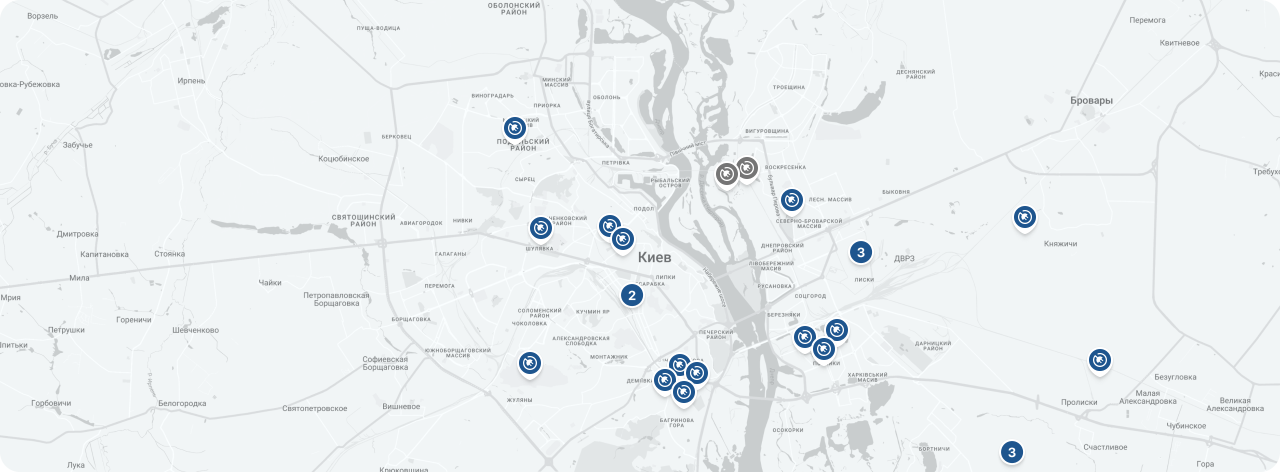
Map of the EEZ
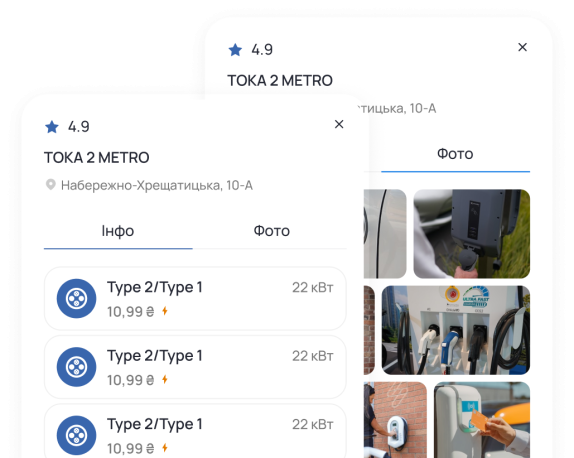
Choose a convenient route to the nearest electric filling station
Find a charging station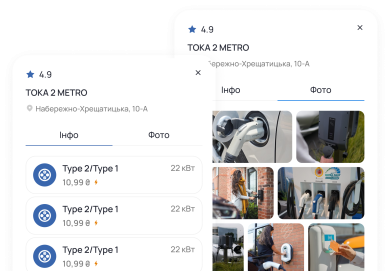
Nice benefit with the Fishka bonus program
-
Earn Fishback after charging and use your accumulated points for future charging sessions.
-
Exchange Fishka points for various gifts and services
-
Use accumulated points to top up your balance

Answers to the most frequently asked questions
What is an RFID card and how can I get one?
An RFID card is a contactless card that allows you to start a charging session without using the mobile app.
To start charging, simply:
connect the charging connector to your vehicle;
tap the RFID card on the reader at the charging station.
RFID card features:
the card is provided free of charge;
it is automatically linked to your account;
it is not displayed in the mobile app;
it works only if your account has a positive balance.
You can order and activate an RFID card by contacting TOKA Customer Support.
How much does charging cost?
The charging cost depends on:
the type of charging station (AC or DC);
the station location.
The current tariff is always displayed in the app on the selected charging station's page.
You are charged only for the actual amount of electricity consumed (kWh).
After the charging session is completed, an idle fee may be charged according to the tariff of the selected location.
What is an idle fee?
An idle fee is a charge applied when a charging connector remains occupied after the charging session has ended.
If your vehicle remains connected to the charging station after charging is complete, an idle fee may be applied according to the tariff of the selected location.
You can view the applicable tariff in the mobile app on the page of the selected charging station.
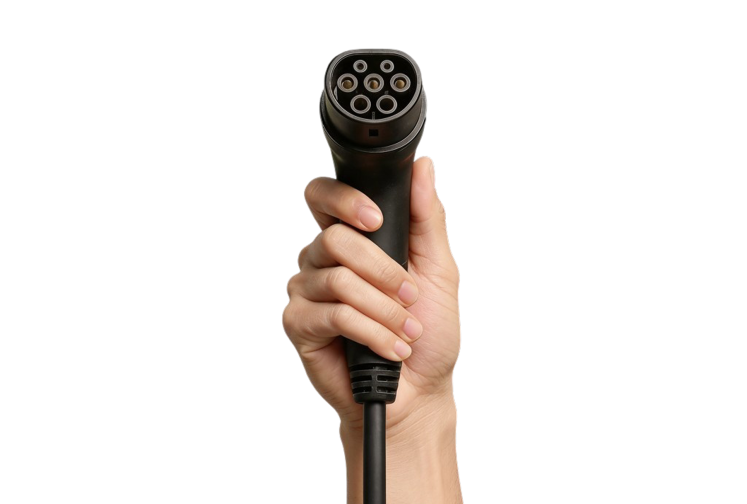
Which charging connector is compatible with my vehicle?
The type of charging connector depends on your vehicle model.
You can find this information:
in your vehicle's technical specifications;
in the manufacturer's documentation;
in the TOKA app on the charging station page.
Can a TOKA charging station be installed near the house?
Yes, it is possible. By reaching an agreement with your condominium association or housing maintenance office to install a charging station on your residential property, TOKA will assist you with installation and setup work.
Does outdoor temperature affect the capacity of an electric car battery?
Conditionally, the battery capacity decreases by about 1% for each degree below zero – meaning that at -20°C the driving range drops by roughly 20%. As a result, in winter the battery needs to be charged more frequently. Fortunately, winters in Ukraine are relatively mild: severe frosts are rare and last only a few days rather than the whole season, and summer heat is not extreme, with temperatures seldom rising to +30–40°C. For an EV battery, operating in the range of 0 to +20°C is almost ideal.
How do I download and register in the app?
The TOKA NETWORK mobile app is available for download on:
Android — Google Play;
iOS — App Store.
Registration is completed using your mobile phone number.
To register, you need to:
enter your phone number;
verify it using the SMS code;
enter your name;
accept the Personal Data Processing Policy.
Once registration is complete, you will have access to all features of the app.
Account Balance
You can top up your balance in the TOKA app using a bank card.
There is no minimum top-up amount.
There is no minimum required account balance.
Payment is charged after the charging session is completed.
If your balance runs out during charging, the charging session will be automatically terminated.
How do I start charging?
After registering and topping up your balance:
select a charging station on the map or use the search function;
connect the charging connector to your vehicle;
tap "Connect" in the app.
You can also start a charging session using an RFID card, if you have one.
What should I do if charging does not start?
Please check:
that the charging connector is securely connected;
that the correct charging port is selected in the app;
that a charging timer is not enabled in your vehicle;
that no charging limit is set in your vehicle settings.
If the problem persists, please contact our Customer Support team.
Customer Support phone number:
+38 (067) 225-66-88